The Neopets Vault: Premium Portal
Neopians who purchased Premium were given their very own Premium Portal. This unique portal held an abundance of informtion all in one spot. Making it easy to use and keep tabs on certain account activities.
Center Modules
These modules are located in the middle section and some of the most important information was housed in these. Premium Neopians were able to choose which modules they wished to display.
| Beta Test Games |
|
|
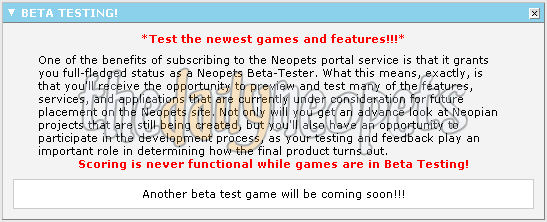
Prior to new games being released to all Neopians, Premium members got to try them first. As part of the beta testing process, this module allowed easy access to the games being tested. Premium Neopians were able to submit feedback about the games to The Neopets Team. |
| Neodaq (The Stock Market) |
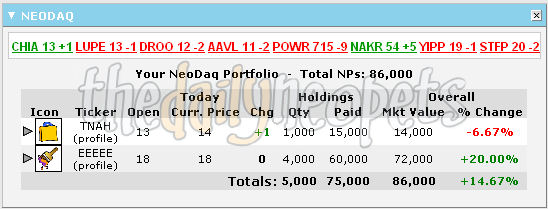
| The Neopets Stock Market requires quick and accurate decisions. This module allowed Premium Neopians to view their 5 most changed stocks. This information was valuable when deciding to hold or sell stocks. |
|
| Neofriends |
|
|
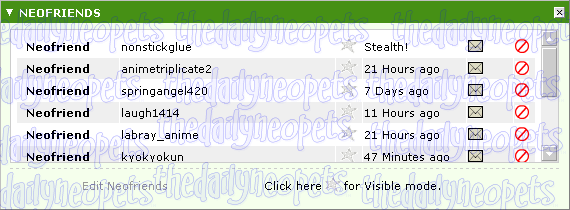
This module contained a complete list of all your Neofriends and showed their online status. The envelope icon linked to neomail your friend and the red circle with a slash through it was to remove that friend. By clicking Stealth mode, your online time changed to Stealth!, and clicking Visible would return your status to normal. |
| Neomail |
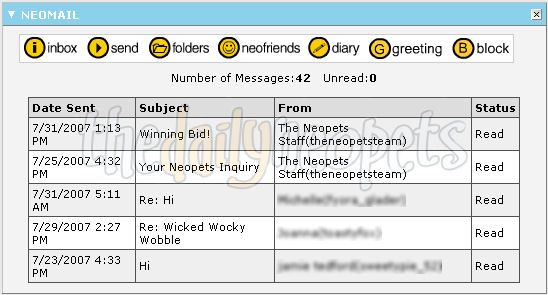
| This module showed your first 5 neomails. It was also easy to send neomails quickly from this module, as well as access your folders, neofriends, diary, greetings, and block list. |
|
| News Tabs |
|
|
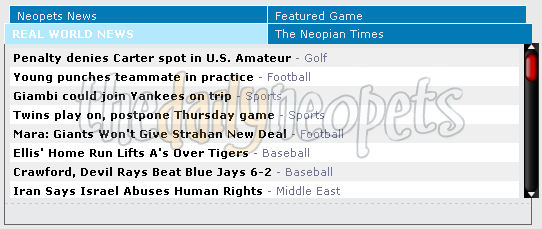
Located in this module was sections for Real World News, Neopets News, The Neopian Times and the Featured Game of the day. In the real world news section, a few lines from each news story was displayed. Additionally, there was some cool game details for the featured game. |
| Portal Feedback |
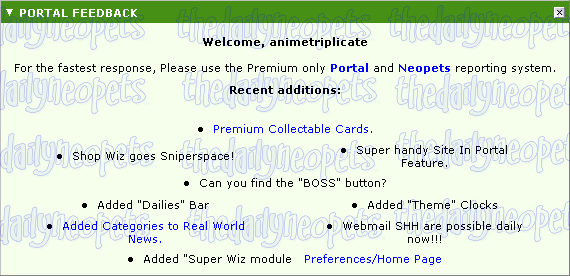
| The Portal Feedback module linked to the premium report forms and listed recent additions to premium features. The BOSS button that was located in the lower right corner made the portal look more business-like. The joke was to disguise the page while you're at work. To cahnge back, all you had to do was click the same spot again. |
|
| Reference |
|
|
This module was a resouce from Mirriam-Webster Online and worked just like a regular dictionary and thesaurus. |
| Stocks |
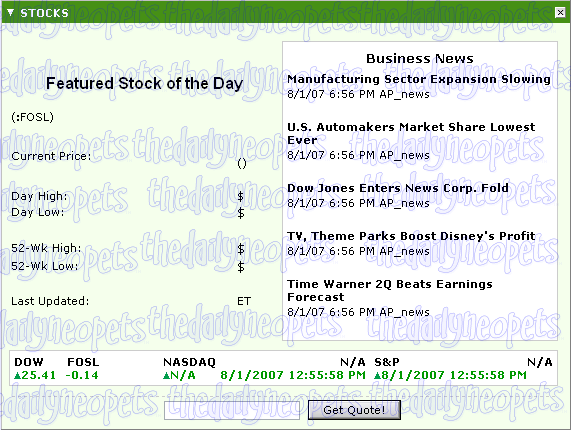
| The stocks module included information regarding real life stocks and some business news to those that were interested in such things. |
|
| Super Shop Wizard |
|
|
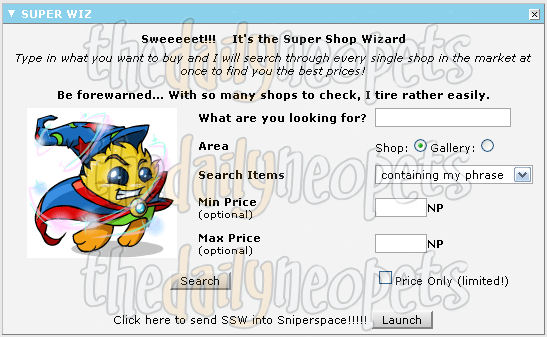
The Super Shop Wizard module was a favorite among premium members. The Super Shop Wizard searches all shops in Neopia instead of a small section at a time like the regular Shop Wizard to find the lowest price of an item. |
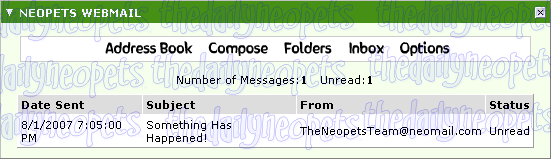
| Webmail |
| The Webmail showed emails that were in your @neopets.com email account. |
|
Side Modules
The side modules went down either side of the page. Most of these weren't all that important, but they had their uses. Premium Neopians were able to choose which of these modules they wished to display.
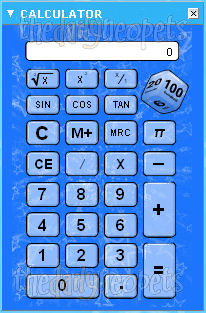
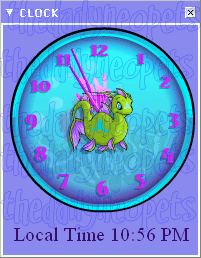
| Calculator & Clock |
| The calculator and clock modules were separate little items within the portal. You no longer had to dig for your calculator! The clock showed the local time and not the Neopian Standard Time. Premium members had the option of a normal face or a numbered face for their clock, with the background changing depending on their current site theme. |
|
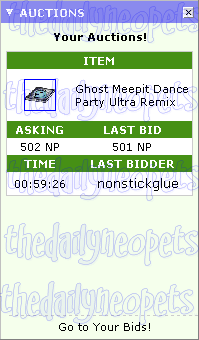
| Auctions |
Directions |
Favourites |
|
|
|
|
| The Auctions module allowed you to keep track of your items in the Auction House and see what was happening with them all in a single glance. The bottom of the module had a link to the bids page for that auction. |
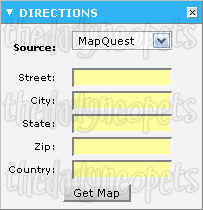
This module was used to get real life directions to any location in the United States. |
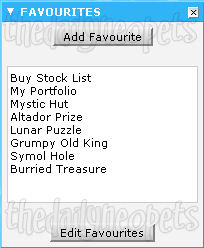
This was a way to organize all your favourite Neopets links in one convenient location. Links to outside websites were also allowed here. |
| Guilds |
Great Games |
Movies |
|
|
|
|
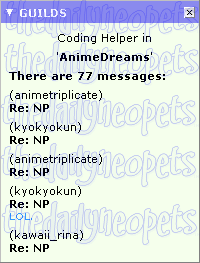
| This module contained important information for the guild you belonged to. Displayed were your guild rank, how many posts available to view, and who made the last 5 posts in the guild message board. Some information included post titles and a little snippet of its content. |
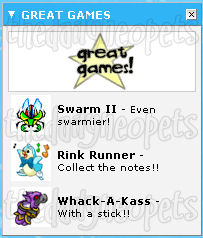
This module highlighted some of the greatest games being played in Neopia. These were the popular older games that played a vital role in establishing the economy of Neopia. |
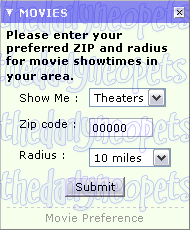
The Movies module was neat because it allowed you to search certain areas by zip codes. The main purpose was to find movie theatres near your location. But it could also be used to explore random zip codes. |
| HiScores |
Multiplayer Comp. |
My Items |
|
|
|
|
| Any games you've made it onto the hiscore table for would show up here with your ranka nd score listed. |
The Multiplayer Competition module was used to track the latest scores in the competition. |
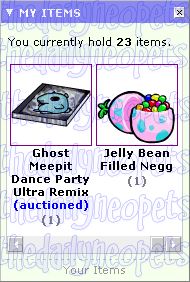
The My Items module worked just like your Inventory, only on a smaller scale. Everything you could do on your main Inventory page, could be done here. |
| My Weather |
Neo Poll |
Neopian Weather |
|
|
|
|
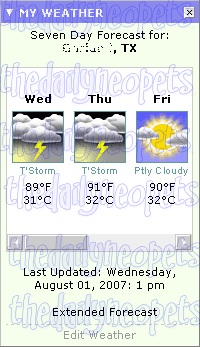
| Using the Portal Prederences page, you were able to set the location for the weather forecast to your location. The weather module showed the current day and the 7-day forecasts. |
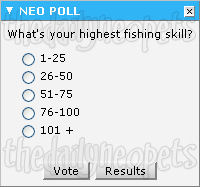
An opportunity to answer a poll from The Neopets Team. |
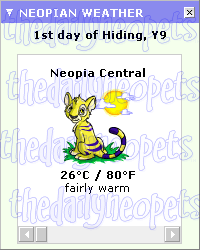
The Neopian Weather module listed the weather conditions for all of Neopia. |
| Plushie Tycoon |
Trades |
Calendar |
|
|
|
|
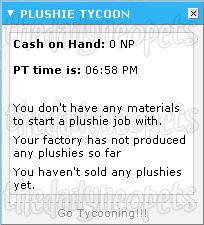
| All stats for the very involved Plushie Tycoon game were displayed here. |
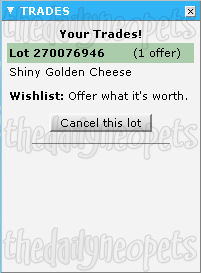
The Trades module gave premium members the ability to quickly see all their open trades and any offers that have been made on them. |
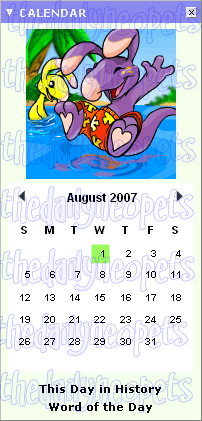
Not only did the calendar keep track of important dates in Neopia, it allowed you to add to it. Additionally, the word of the day was linked and there was a little Neopian history lesson included each day. |
| Your Neopets Info |
Random Games |
|
|
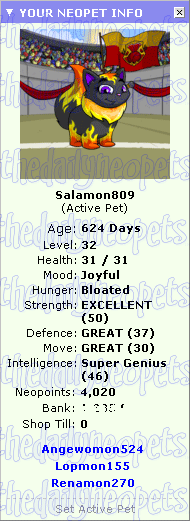
Your active pet is shown here along with its stats. Clicking another pets' name at the bottom of the module will show the stats for that pet. This info module also shows how many Neopoints you have on hand, your bamk balance, and the balance in your shop till. |
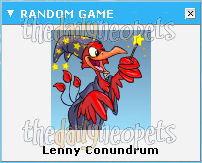 A random game for you to play was shown here.
|
Miscellaneous
| Quick Links |
|
|
At the top of the Premium Portal was all of the essential premium links to make the most our of your premium subscription. |
| Site Settings |
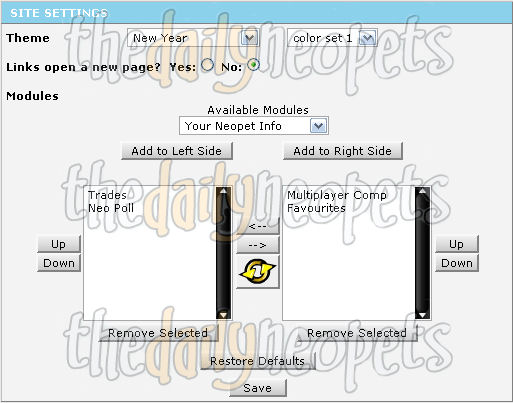
| This section is where the settings are located to control each module within the Premium Portal. You were able to arrange where you want your modules to be displayed and choose to have only the ones you want on your portal page, rather than all of them. From here, the site theme could be changed, as well as other personal information. You could even create a custom dailies list! |
|
Thank you to Izzy and Superfly for providing the information and images for this page.